Summary
GUI Kubernetes 관리 도구인 OpenLens의 설치 및 사용법을 정리했습니다.
k3s 환경을 구축하던 중 GUI로 볼 수 있으면 좋겠다는 생각에 찾아봤을 때 Lens라는 프로그램이 좋다는 글을 봤습니다. 그리고 Lens의 오픈소스 버전인 OpenLens 라는 프로젝트가 있다고 해서 한 번 설치해봤습니다.
설치
brew install --cask openlensscoop bucket add extras
scoop install openlensSuccess
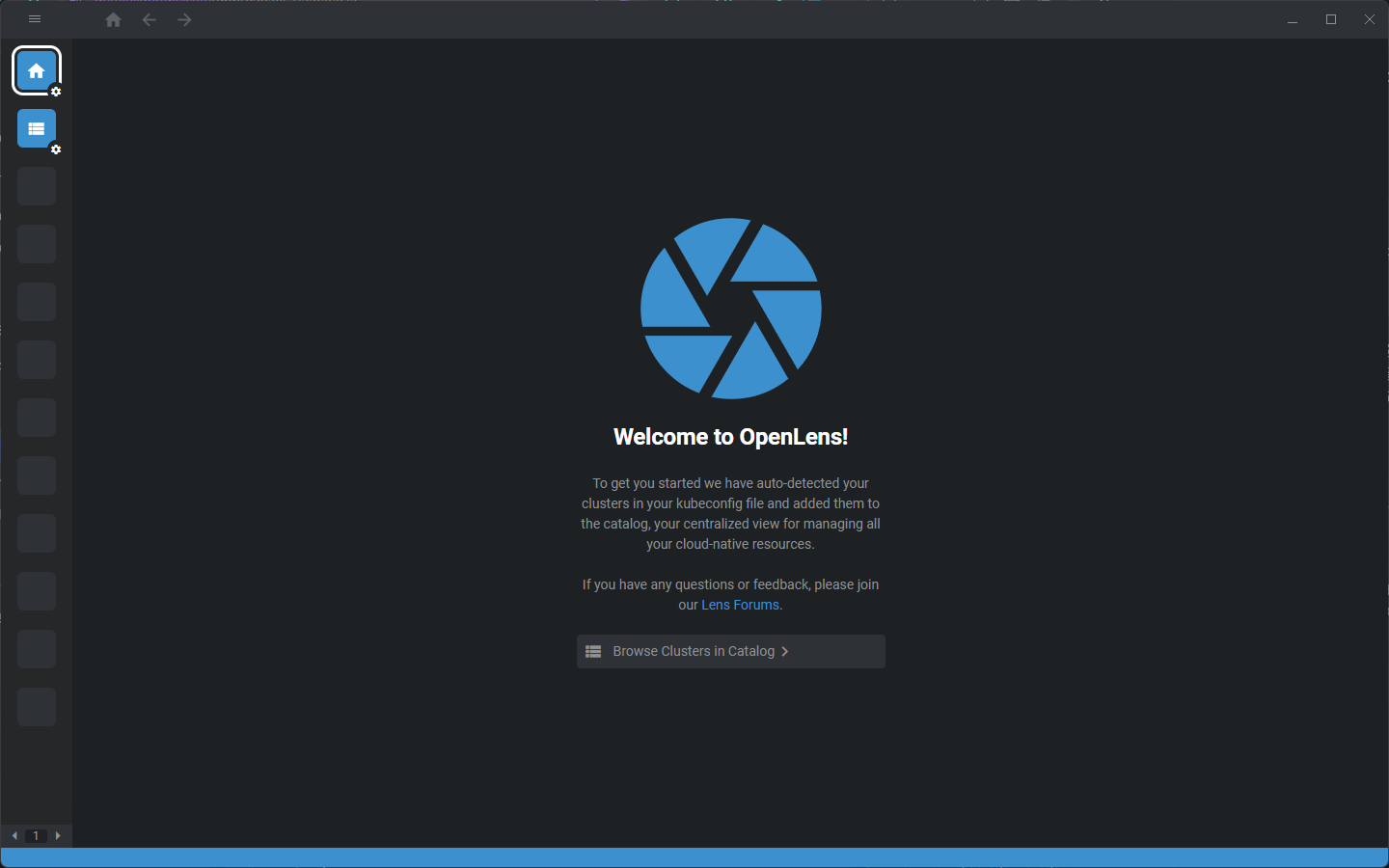
초기 설정
클러스터 추가
Browse Clusters in Catalog클릭+버튼 →Add from kubeconifg클릭- k3s-installation 에서 생성한 config 파일을 복사해서 붙여넣는다.
apiVersion: v1
clusters:
- cluster:
    certificate-authority-data: <certificate-authority-data> # 값이 입력되어 있음
    server: https://<ip-address>:6443 # 클러스터가 설치되어 있는 서버의 IP 주소를 입력합니다.
  name: default
contexts:
- context:
    cluster: default
    user: default
  name: default
current-context: default
kind: Config
users:
- name: default
  user:
    client-certificate-data: <client-certificate-data> # 값이 입력되어 있음
    client-key-data: <client-key-data> # 값이 입력되어 있음
Caution
IP 주소가 내부망이더라도
https://는 유지해야 합니다. 기본적으로 보안 연결로만 통신하도록 설계되어 있습니다.
Success
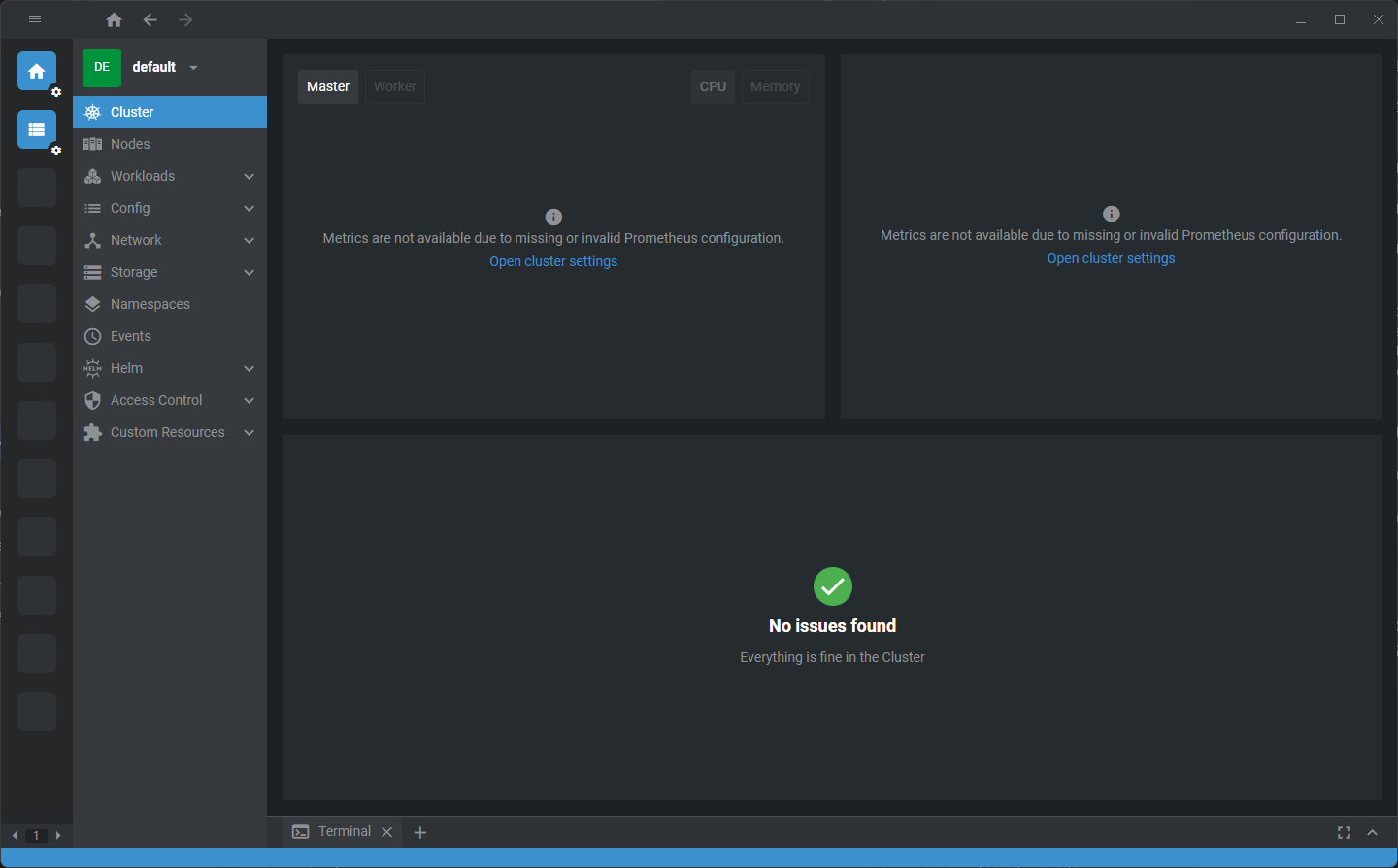
Todo
사용한지 얼마 안되어서 사용해보고 노트를 업데이트 하겠습니다.